 EN
EN  ES
ES PT
PT SV
SV DE
DE TR
TR FR
FR AR
AR BG
BG HR
HR CS
CS DA
DA NL
NL FI
FI EL
EL HI
HI IT
IT JA
JA KO
KO PL
PL RU
RU ID
ID LV
LV SR
SR SK
SK UK
UK VI
VI SQ
SQ HU
HU MT
MT TH
TH AF
AF MS
MS HY
HY EU
EU KA
KA UR
UR EO
EO JW
JW LO
LO LA
LA NE
NE TA
TA MY
MY KK
KK SU
SU XH
XH
One of the Most Important Factors in How Well Your Stickers Will Look, is The Type of Coating You Choose for Your Printer. Not all sticker paper are created equal — some coatings are more compatible with certain printers than others. The best result is often gained when you know what kind of coating will to function best with your printer.

How to make sure your sticker paper will work in the printer?
Examine the packaging: When purchasing sticker paper, be sure to read the packaging to determine if it is optimized for your printer. Look for terms that identify the sticker paper as compatible with either inkjet or laser printers.
Test it out: Just before you print a big stack of your freshly designed stickers, do a test print on a piece of mundane paper to see what it looks like. With this, you can adjust as needed before using the sticker paper.
Set your print settings: If your sticker paper has a glossy side, all you have to do is pick “photo glossy” under the print settings menu in your printing application. Always read the manufacturer's recommendations for best results.
Printer and Sticker Paper Coating:
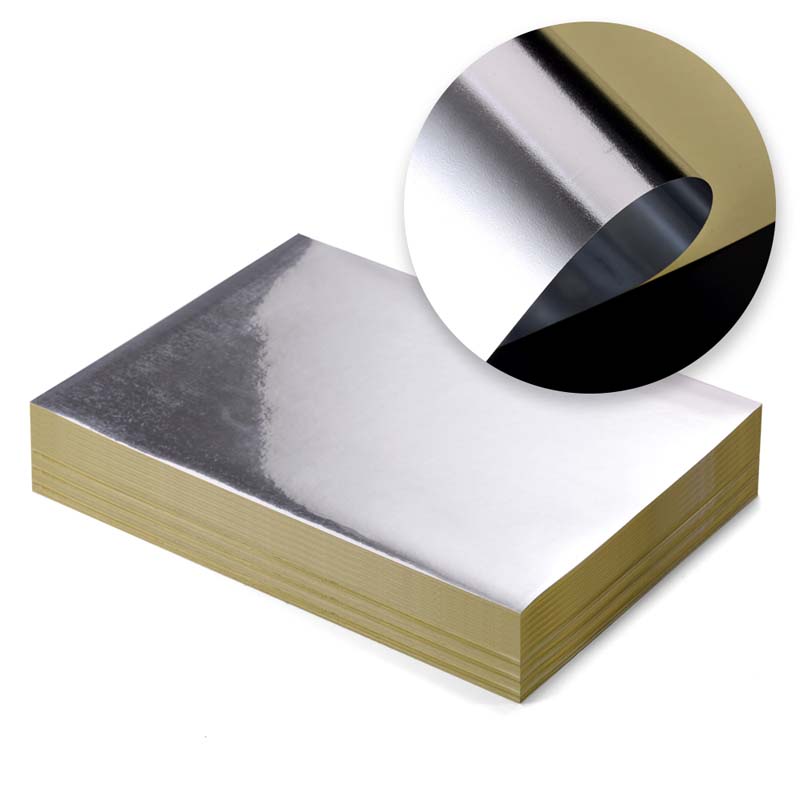
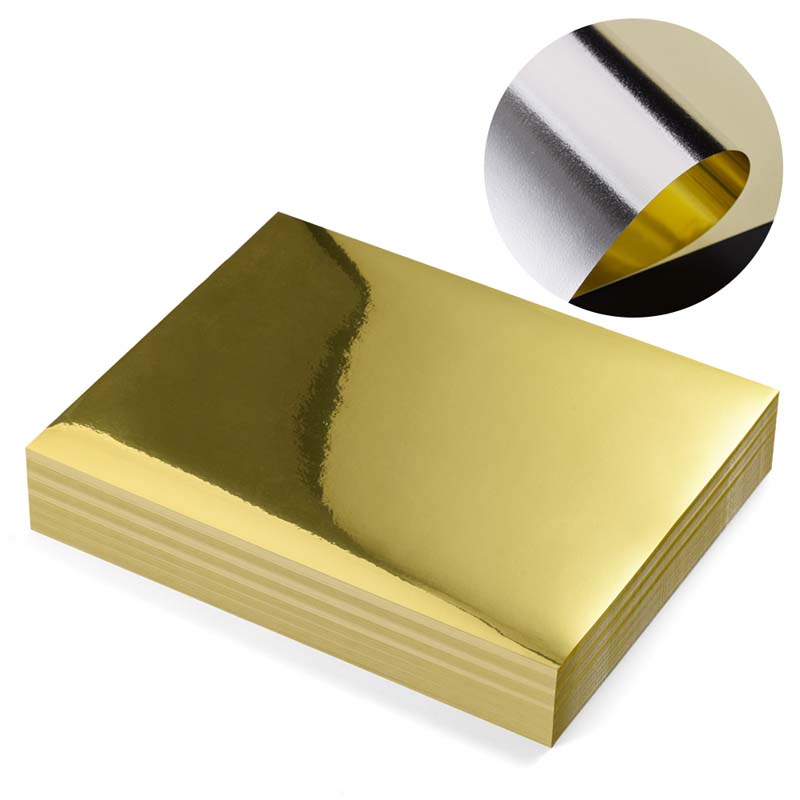
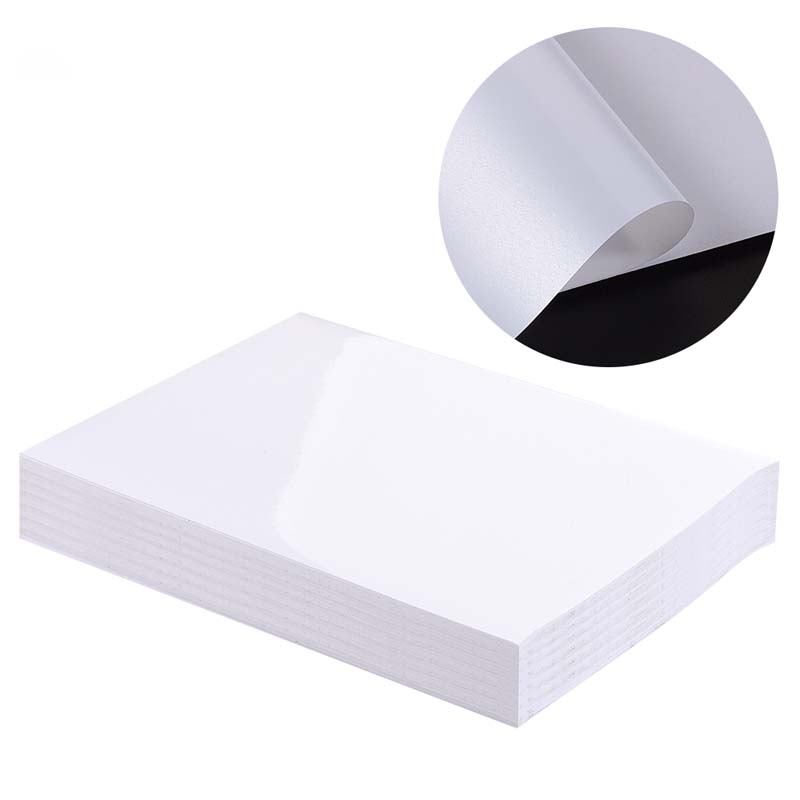
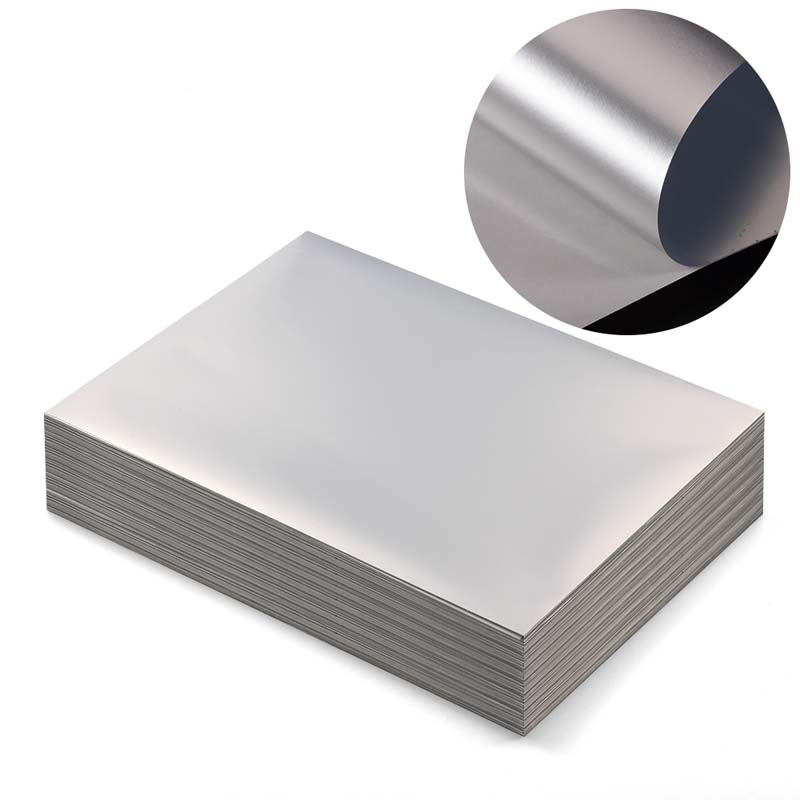
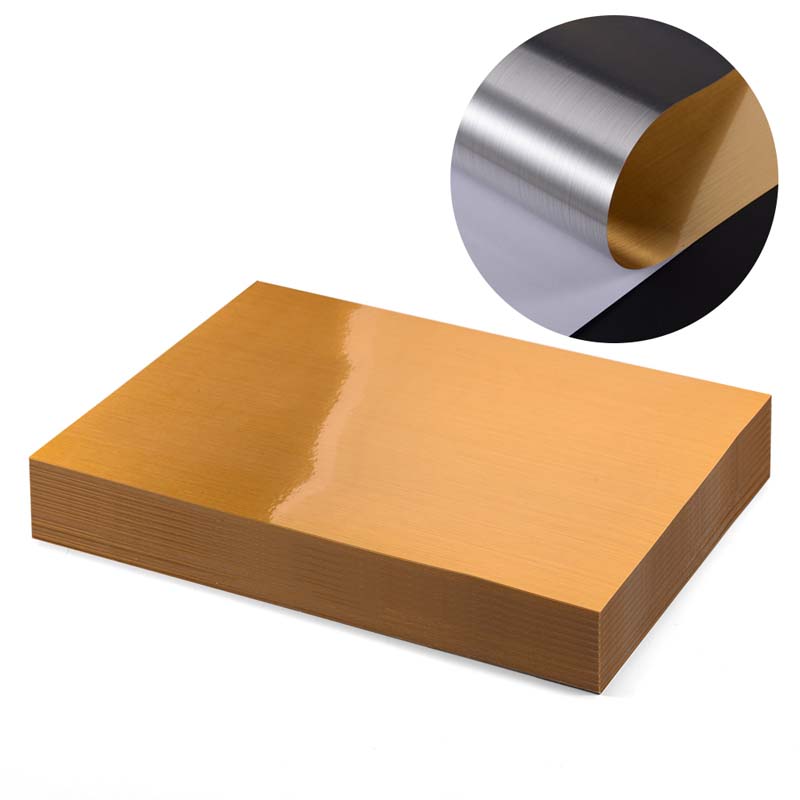
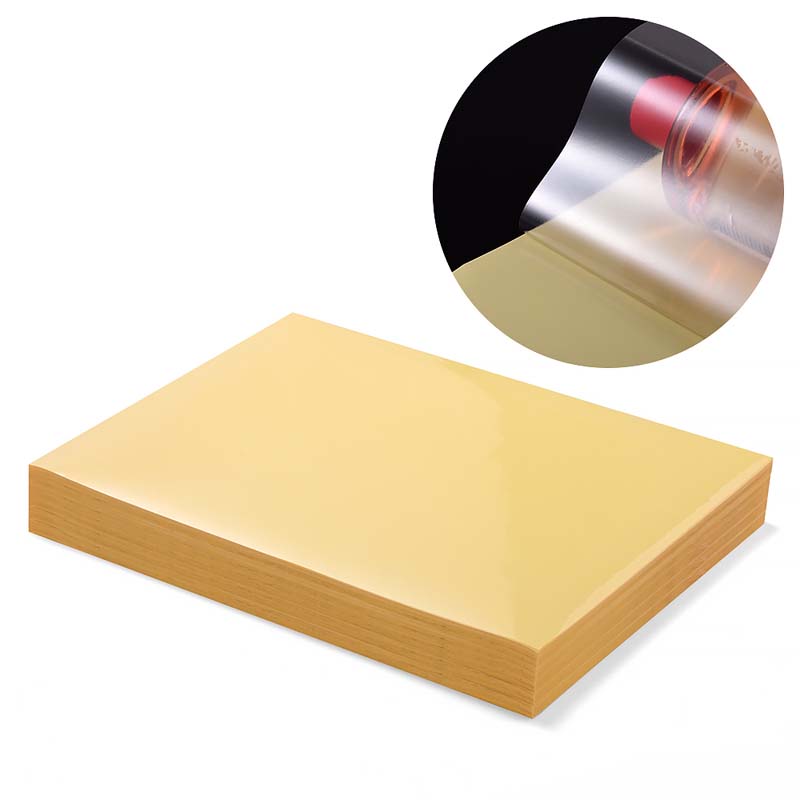
There are essentially 2 types of coatings that can be put on a sticker paper: Gloss and Matt. Gloss coatings are shiny and reflect light, matte coatings are less shiny and more flat. When it comes to printing the custom stickers logo, there is both pros and cons to each kind of coating.
Glossy coatings typically do better with inkjet printers, where they can produce bright colors and crisp images. But shiny coatings might not be as effective with laser printing — the toner might not stick to that slick surface.
(On the flip side, toner also sticks well to the smooth surface of matte coatings, making them preferable for inkjet rather than laser printers.) Matte finishes are also more resistant to fingerprints or smudges, so they’re ideal for stickers that will be handled often.

Sticker Paper Printing Tips for the Best Compatibility:
Use the correct printer: Ensure that you are using a printer compatible with the kind of coating on your sticker paper. Inkjet printers perform best with glossy coatings, while laser printers do better with matte coatings.
Check print settings: To achieve best results, tweak your print settings to match sticker paper coatings. This might involve choosing the paper type and print quality settings correctly.
Let ink dry: Once you have printed your stickers, make sure to let the ink dry completely before handling. It’ll help to reduce smearing and keep your colors looking bold.
The Perfect Coating For Perfect Results On Your Pepper Print:
With the right coating on your sticker paper, you’ll be able to print production quality stickers in no time, and by following that with both the right type of inkjet printer settings, and great sticker designs, the results will be the best laserjet sticker paper you can possibly make. Glossy or matte coatings aren’t a problem, so no matter which you prefer, there’s sticker paper somewhere out there that will work best with your printer and make sure your results look professional every time. Select the RIGHTINT Group sticker paper for your next Print job and notice the difference the right coating can make!

I am the general manager of RIGHTINT Self Adhesive New Material CO., Limited, a comprehensive enterprise that integrates R&D, production, sales and service of self-adhesive paper materials. With over 20 years of experience in this industry, I have led our group to serve many world-renowned customers and provide customized solutions for large-scale projects.